LG Climate
I built a native menu-bar app for controlling LG ThinQ air conditioners from my Mac.
- Status
- Public source
- Role
- Developer
- Stack
- Swift, SwiftUI, Swift Package Manager, LG ThinQ Connect, macOS Keychain
Project preview
Climate controls in the Mac menu bar
I built a native menu-bar app for controlling LG ThinQ air conditioners from my Mac.
Browse screenshots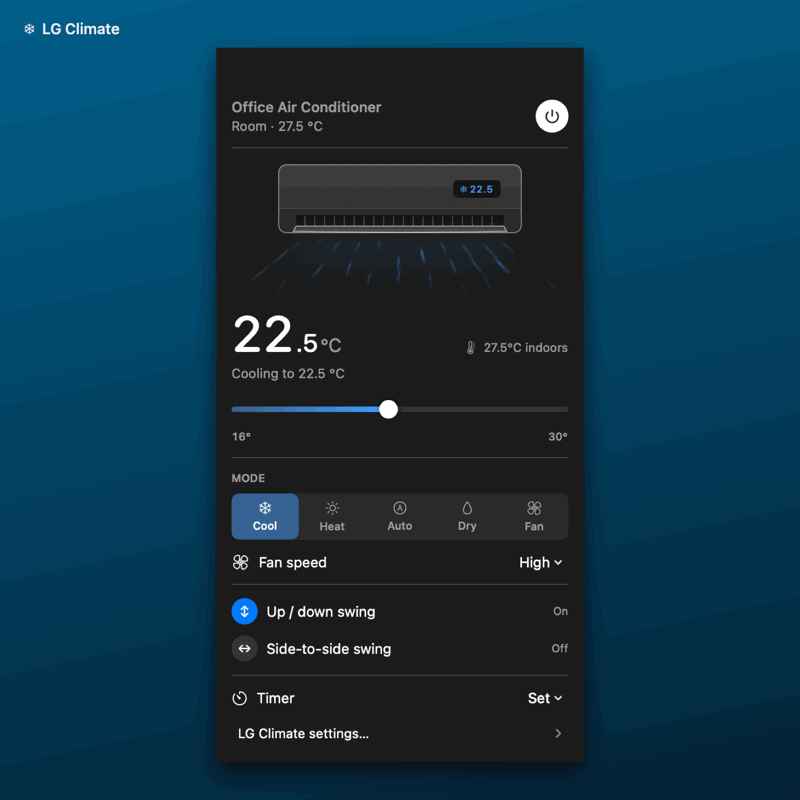
Problem
I wanted quick access to temperature, fan speed, and timers while working at my Mac.
My contribution
I built the SwiftUI menu-bar interface, integrated directly with LG ThinQ Connect, and added optional Keychain storage for the access token.
Technical decisions
I read each unit’s capability profile to decide which controls it supports. After a command, I check the device’s reported state. Background refresh also picks up changes from the physical remote.
Result
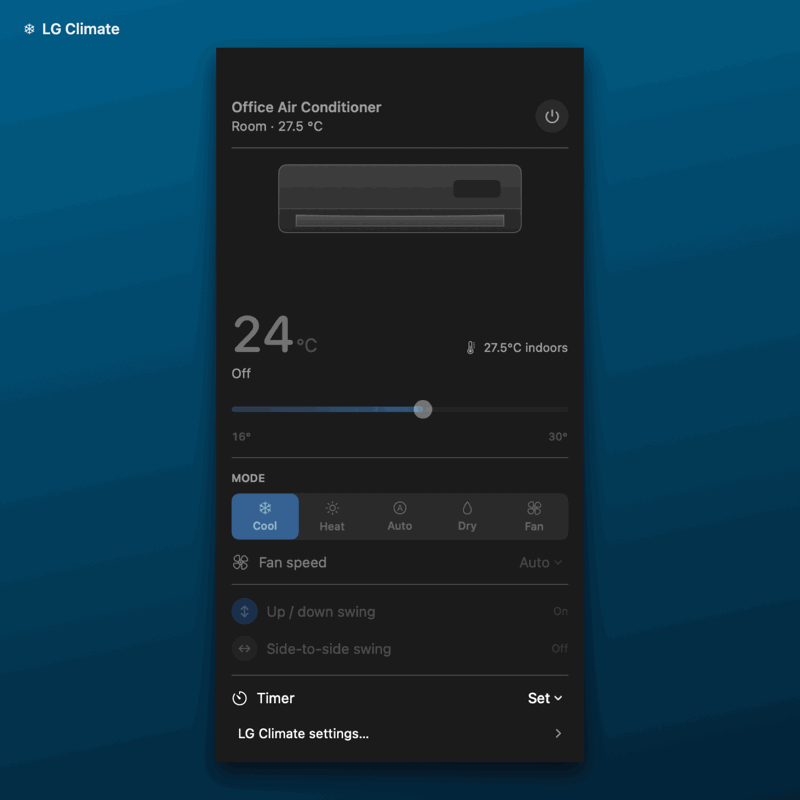
I can switch between paired units and adjust power, target temperature, mode, and fan speed. The app also exposes swing, energy controls, and timers where supported.
References
App screenshots
Cooling and airflow controls in the project demo. Standby state from the same demo, with operating controls disabled.